
Installing plugins
A plugin is copied into the app, not added as a dependency. devpul add puts its files in lib/devpul/<id>/, records where they came from in devpul.lock and writes lib/devpul/plugins.dart. Commit all three: builds need no network, and plugin code shows up in the app's diffs.
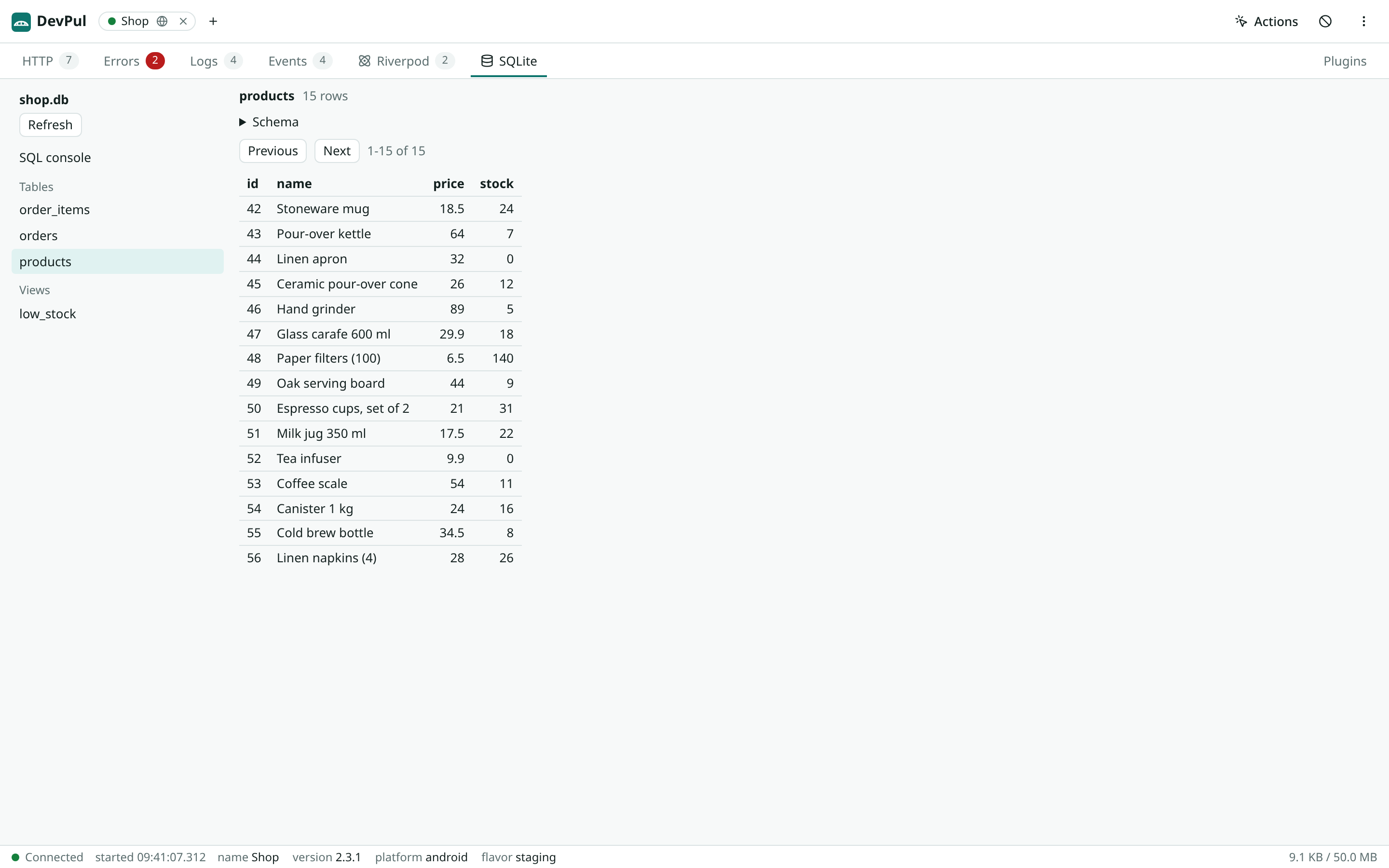
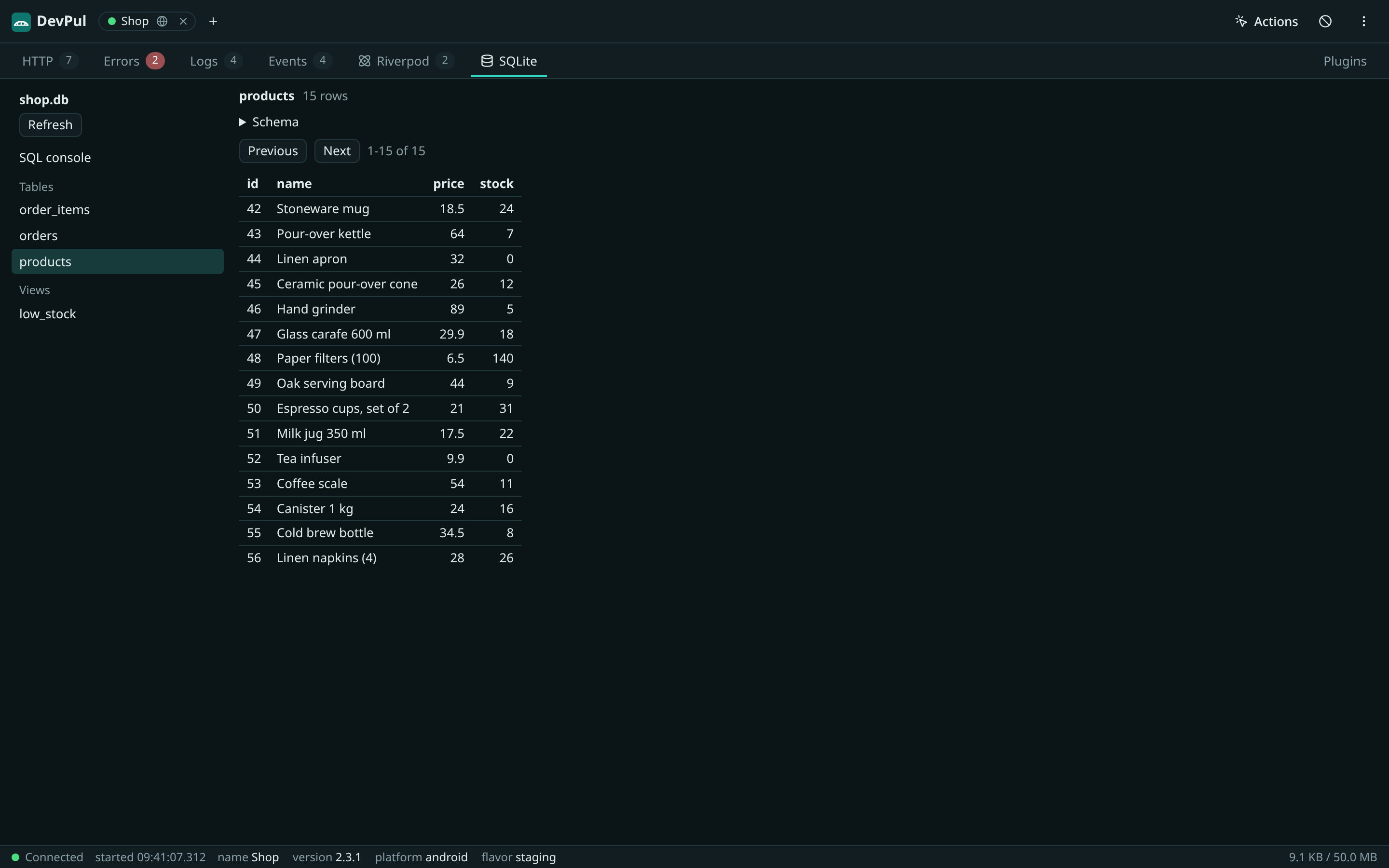
The commands come with devpul_cli and run in the app root, the folder with pubspec.yaml:
dart pub global activate devpul_cliAdd a plugin
Section titled “Add a plugin”devpul add riverpodadd prints the files it copies with their SHA-256, then the lines to add by hand. Call DevpulPlugins.install() once in main, plus the wiring each plugin prints:
import 'devpul/plugins.dart';
void main() {  DevpulFlutter.install();  DevpulPlugins.install();  runApp(ProviderScope(observers: devpulRiverpodObservers(), child: const App()));}
The next time DevPul connects, it offers the plugin's tab. Allow it once; see Approvals.
Before writing anything, add checks the plugin's devpul range against the app's devpul version and its requires against the app's packages. A missing package or a version outside the constraint stops it with the dart pub add or flutter pub add command; in a terminal it asks to run it, and --yes runs it. Run pub get first, since add reads the resolved packages.
The Dio and package:http adapters are pub packages the plugins page lists by name: devpul add dio and devpul add http run pub add for them and copy nothing.
Approvals
Section titled “Approvals”When an app offers a plugin, DevPul shows its id, version, description and source size in the Plugins tab and above the other tabs, and runs it only after you allow it. An approval covers one id at one SHA-256, so a changed plugin asks again. Approvals are kept per browser origin; see Limits.
Approved sources are kept in the browser, so a plugin loads before the app is asked for anything, and with stored or opened sessions when the app is gone. The handshake carries each source's SHA-256; when it matches an approved source DevPul keeps, the app is not asked for the source at all. That hash only picks among sources you already allowed for the id; a source the app sends is hashed by DevPul itself. Sources larger than 512 KB are refused.
The Plugins tab lists approvals with icon, id, version, description and a link to an http(s) source; hovering shows the origin on the id and the hash on the version. Switch one off to stop loading it, or remove it.
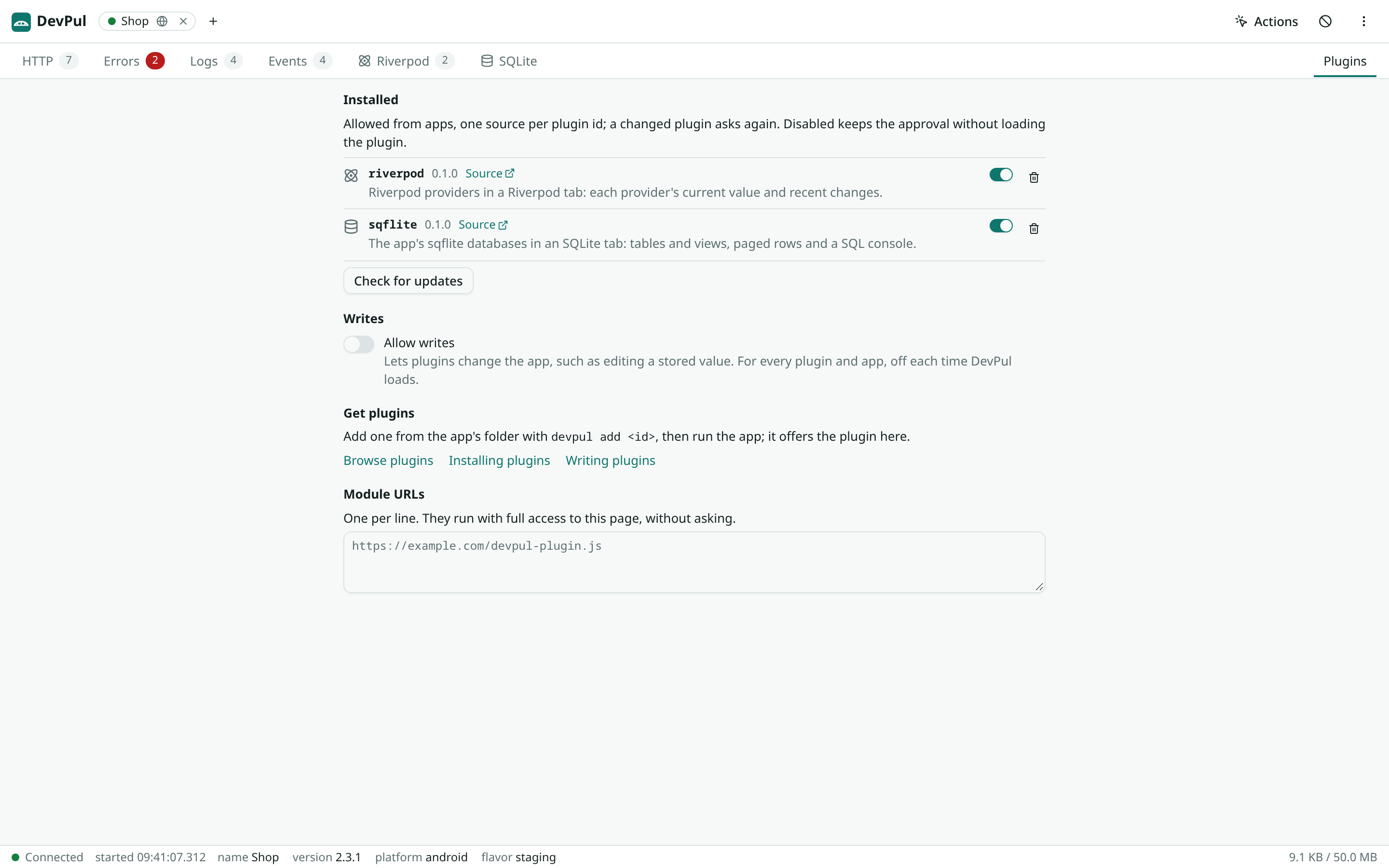
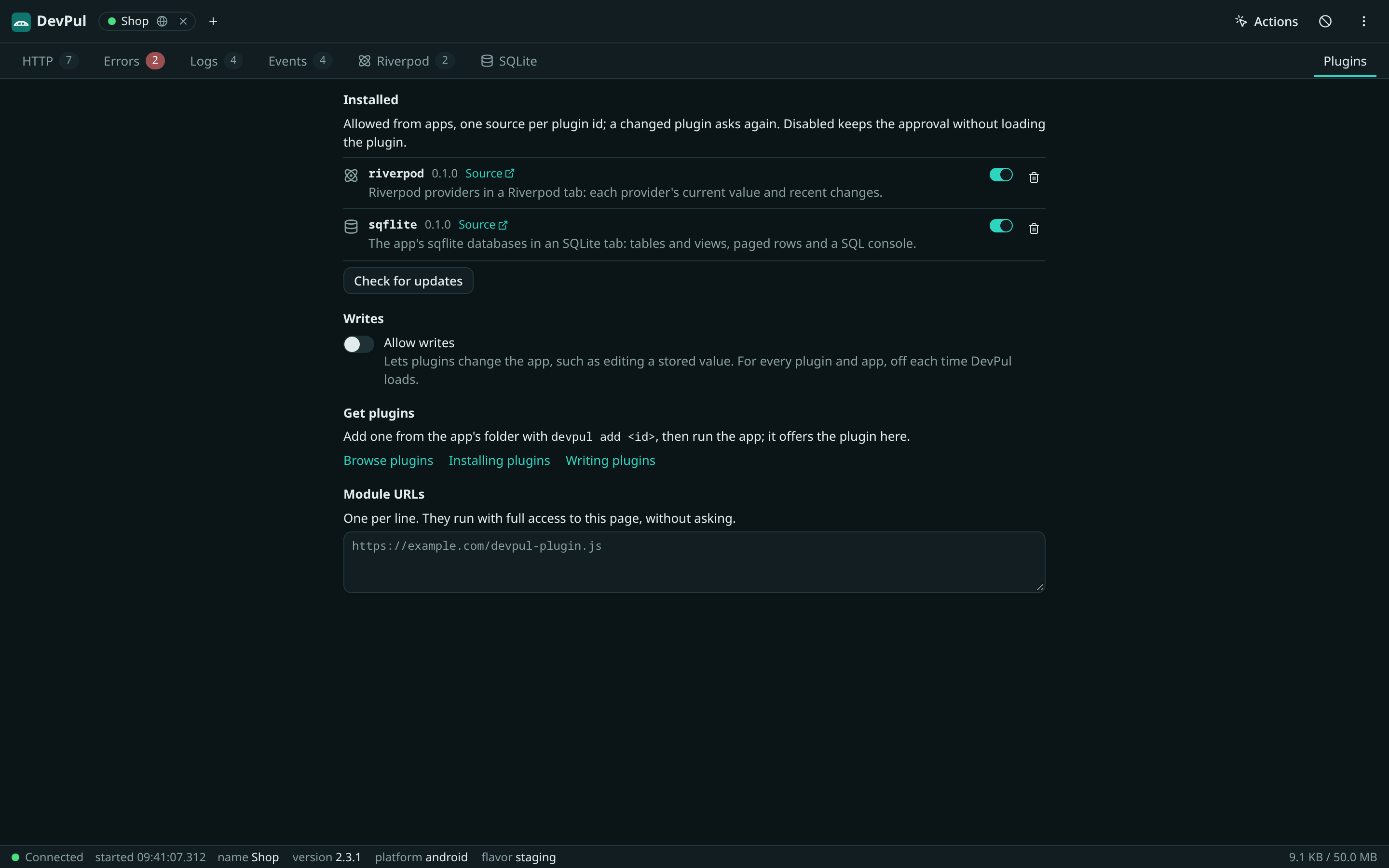
Check for updates there fetches the registry's registry.json, only on that click, and shows the latest version of each plugin listed with the same id and source, with the devpul upgrade command. Other plugins show "Can't check"; devpul outdated in the app checks every source.
Sources
Section titled “Sources”| Argument | Source |
|---|---|
riverpod |
Listed on the plugins page: its git repository and folder. |
https://example.com/plugins.git --path cart |
A git repository; --path names the plugin folder when it is not the root. |
https://example.com/flags/plugin.json |
A plugin.json over https, with its files next to it. |
../plugins/cart |
A folder, for plugin development. |
Git versions come from <id>-v<version> tags, such as cart-v1.2.0. Without a version add takes the newest tag and records ^<version>. A name or git URL takes a version or a ref:
devpul add cart@^1.2.0 # a pub version constraint; @1.2.0 is exactdevpul add cart#main # a branch, tag or commit, pinned to its commitThe lock records the git URL, never the registry, so outdated and upgrade work with the repository alone. A folder is recorded relative to the app; sync copies it again when it changes. A plugin.json URL has no versions: upgrade takes what it serves.
Keep plugins current
Section titled “Keep plugins current”devpul list # id, version, source; edited copies are markeddevpul outdated # current, upgradable and latest versions, and devpul_clidevpul upgrade # every plugin, within its constraintdevpul upgrade cart --major-versions # breaking versions; rewrites the constraintdevpul remove cartdevpul sync # rewrite lib/devpul/plugins.dart from the lock, offlinedevpul update # devpul itselfdevpul cache clean # drop the git mirrors in the user cacheupgrade shows a git diff of the copied files and asks before writing; --yes writes without asking. Without a terminal and without --yes it prints the diff and writes nothing. It runs the same version and package checks as add. Pinned refs move to the ref's current commit.
remove deletes the copy and the lock entry and rewrites plugins.dart; the wiring line in main is yours to remove. With no plugins left, DevpulPlugins.install() stays and does nothing.
Nothing checks for updates outside these commands. DevPul's Plugins tab has a Check for updates button for listed plugins.
Edited copies
Section titled “Edited copies”The copy is the app's code, and edits to it are kept. list marks an edited plugin, sync warns about it, and add and upgrade refuse to overwrite it: devpul remove <id> drops the edits. For a plugin added from a folder, make edits in the folder.
dart pub global activate devpul_clidevpul sync --check # exit 1 when plugins.dart is stale or a folder copy is behinddevpul outdated --exit-code # exit 1 when a plugin or devpul_cli is behindsync --check needs no network. outdated fetches tags and manifests; a source it cannot reach prints why and does not fail the command.
Release builds
Section titled “Release builds”DevpulPlugins.install() returns at once unless Devpul.included, a constant, so the compiler drops every plugin's source and Dart from release builds and from profile builds that do not opt in. DevPul's own CI builds an app for release and checks that no plugin source and no ext.devpul service extension is left in the output.
Security
Section titled “Security”Plugin code is in the app's repository, so it is reviewed in diffs like any other code; upgrade shows the diff before writing. The UI still asks before it runs a plugin's module, once per id and SHA-256, and a changed module asks again. A plugin runs with full access to the DevPul page; add only plugins from sources you trust.